

An adult opens the account
Child profiles are created by a parent. Children's privacy policy.
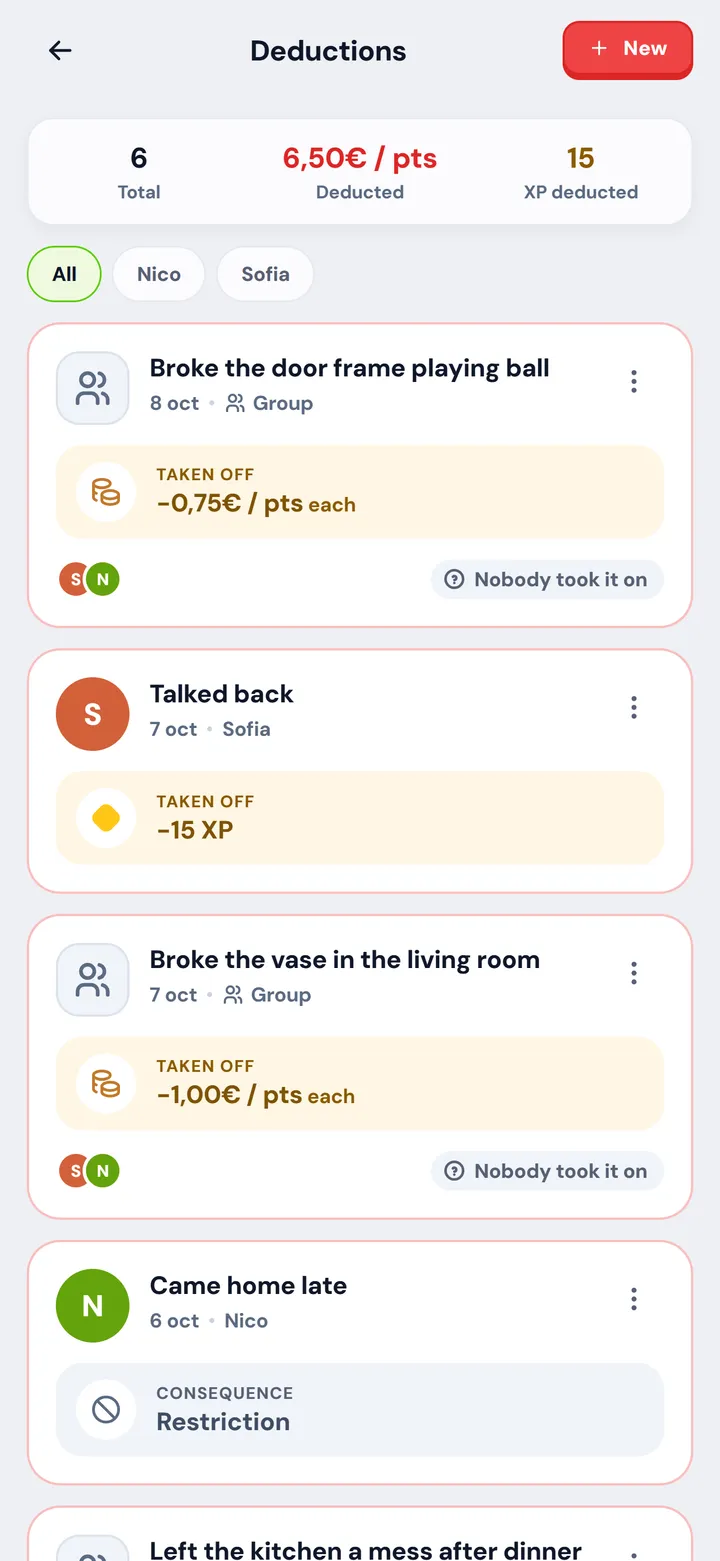
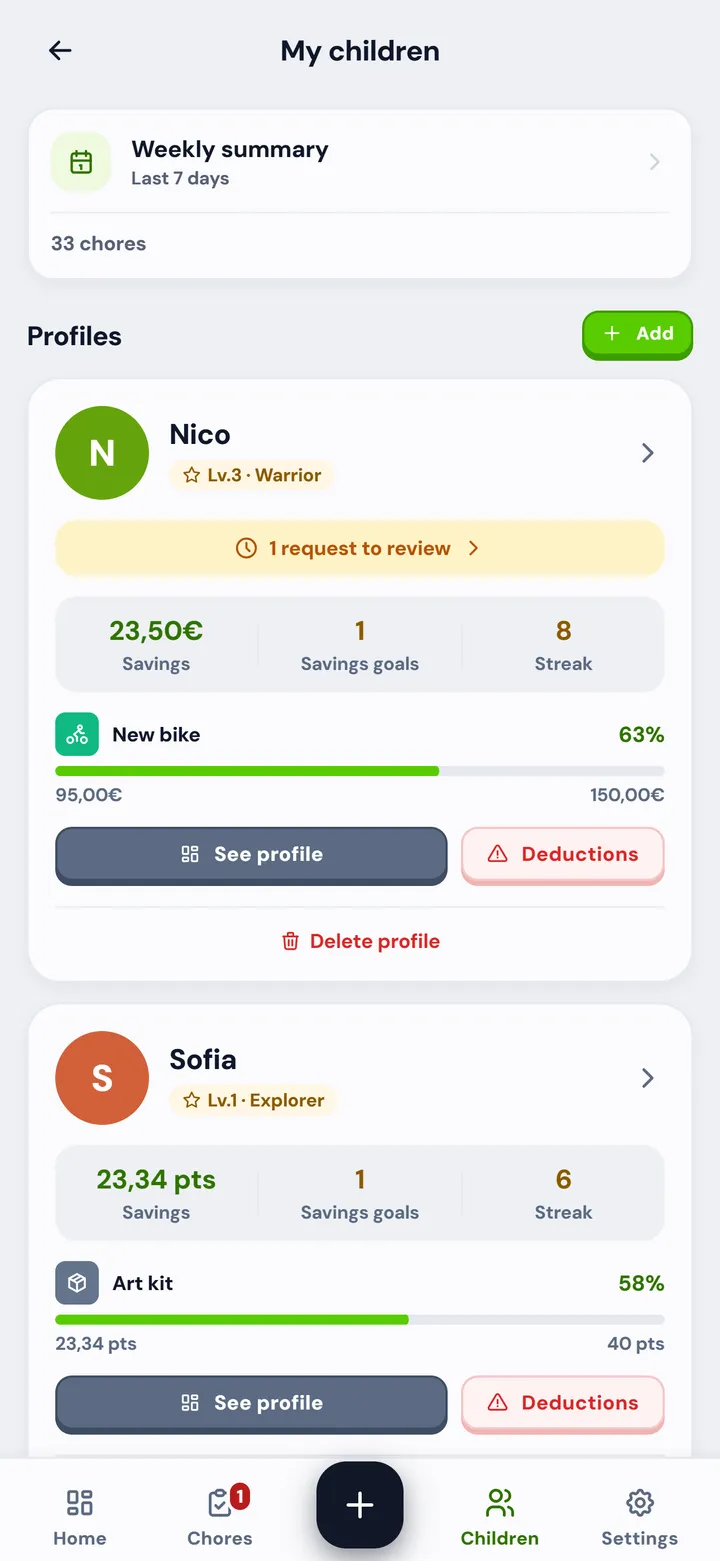
If you always have to repeat things to your kids, or they keep asking you to buy them something, this app is for you.
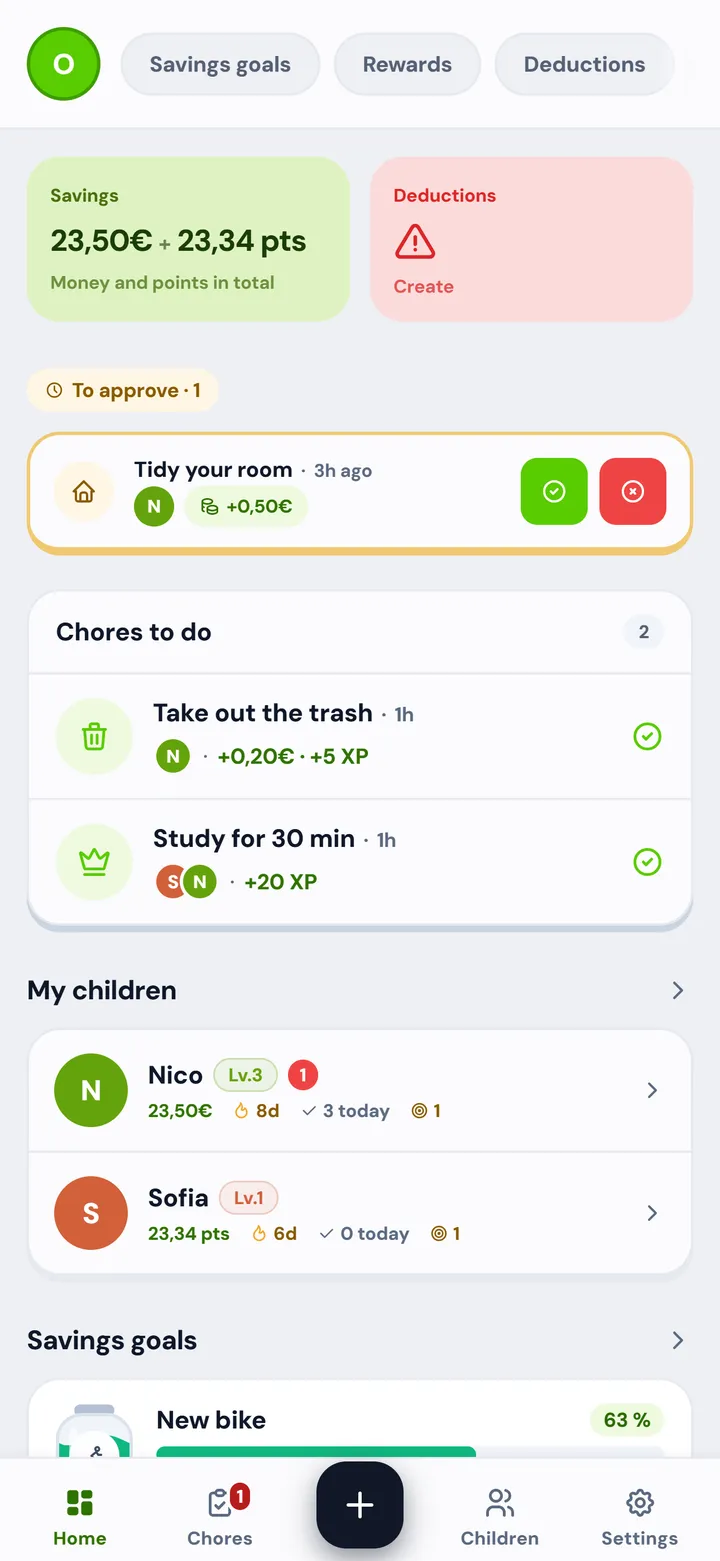
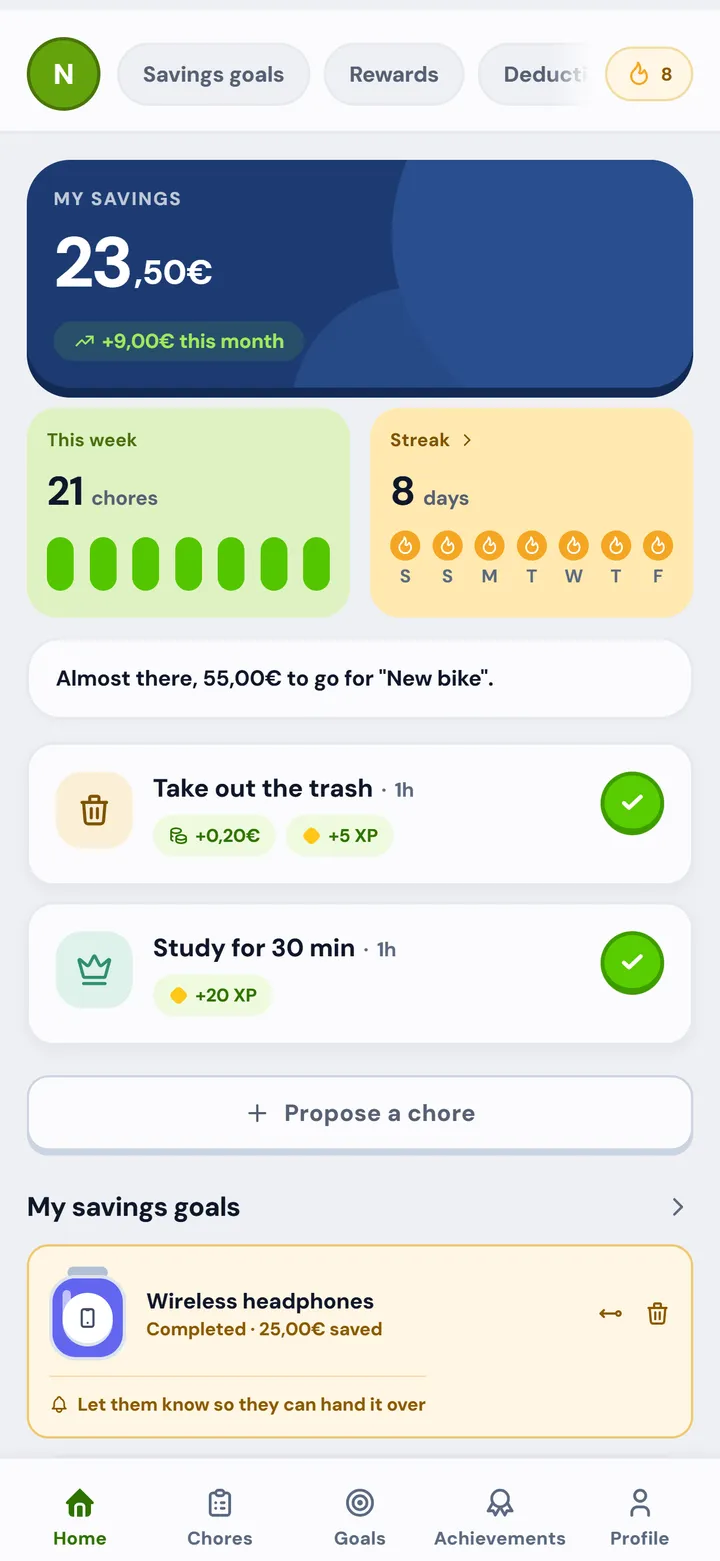
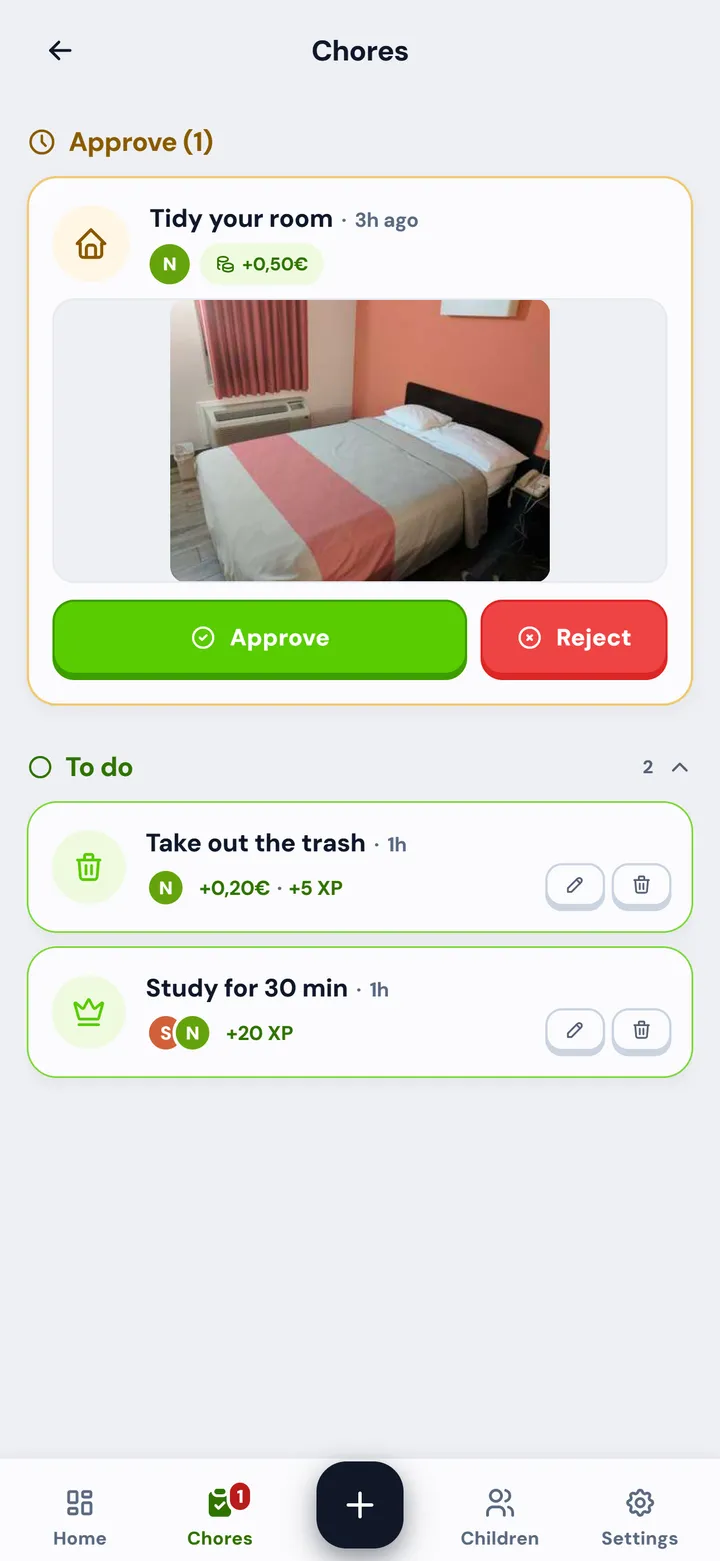
Once or every day you pick, with a deadline and a reward.
Move the controls until it looks like your house.
Per month, at your house
12h
acting as the reminder in your own home.
6 days a year
Tasnna does not make those hours disappear by magic. It takes away the job of being the reminder: the chore already comes with its time and its value, so the app is the one doing the nudging.
This is a try-out: it stays in your browser and is not saved anywhere.
0 €No card and no automatic renewal, until further notice.
0 €No expiry date.
This is what happens to their data, said plainly.
Child profiles are created by a parent. Children's privacy policy.
Whenever you want, with no email and no waiting. Delete my data.
Database in Ireland, under the GDPR.
No ads and no data shared with third parties for commercial purposes.
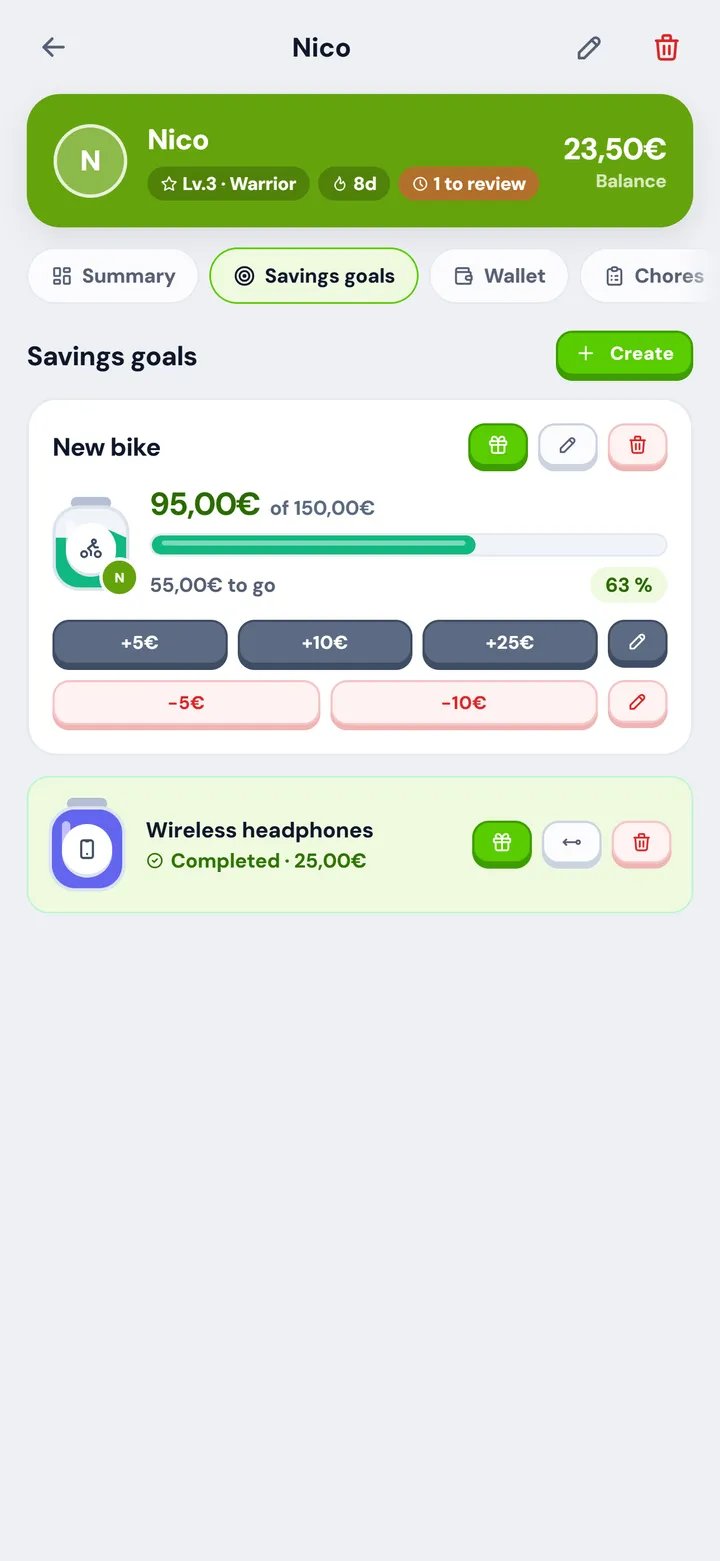
The balance only records what you agreed. You hand over the money at home.
The same Tasnna inside your browser, with your account and your data. For trying it without installing anything, for a phone without Google Play, and for using it from a computer.
| What | Android app | In a browser |
|---|---|---|
| Chores, goals, rewards, streaks and achievements | Yes | Yes |
| Same account and same data | Yes | Yes |
| Push notifications | Yes | Yes, if you allow them in the browser |
| Chore reminders while the app is closed | Yes | No |
| Home screen widgets | Yes | No |
| Photo as proof of a chore | Camera or gallery | Depends on the browser and the device |
| How you open it | The app icon | A link, or install it from the browser itself |
On a phone you can add it to your home screen and it opens with its own icon, full screen. In Chrome it is in the three-dot menu, as "Install app".
As an Android app from Google Play, and in a browser at app.tasnna.com with nothing to install. Same account, same data; the browser version has no widgets or reminders while the app is closed (see the differences). There is no iPhone app: on an iPhone you use the browser.
It can be installed from Google Play in any country. Today it has its own currency and dedicated support for Spain, Argentina, Mexico, Colombia, Chile, Peru, Uruguay, Paraguay, Bolivia, Costa Rica, Guatemala, Honduras, Nicaragua and the Dominican Republic.
The app is free and the free plan does not expire. Tasnna Pro, with no caps and exclusive features, is open to every family at no cost until further notice (we will give 15 days' notice), with no card asked for. Compare the two plans.
No. Each family chooses whether the balance is euros, pesos or dollars, or points with no monetary value. Tasnna never moves money: it records what you agreed at home.
Your country's currency if it is one of the 14 with dedicated support, euros elsewhere, or points with no monetary value. It is chosen per family and can be changed under Settings → Preferences: balances convert on their own at an approximate rate.
It works better that way, but it is not essential. Each child signs in with their own profile; an old phone or a tablet on wifi is enough. If there is not one each, they can take turns in the browser on the family computer with their access code.
Yes. Go to app.tasnna.com and that is it: same Tasnna, same account and same data as the app. Handy to try it before installing anything, for a phone without Google Play, and for using it from a computer.
Your question not here? Help center.